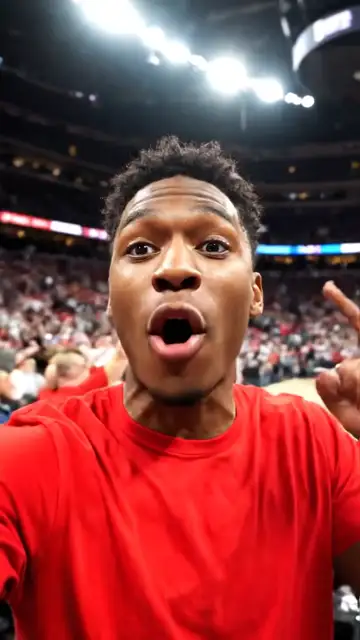
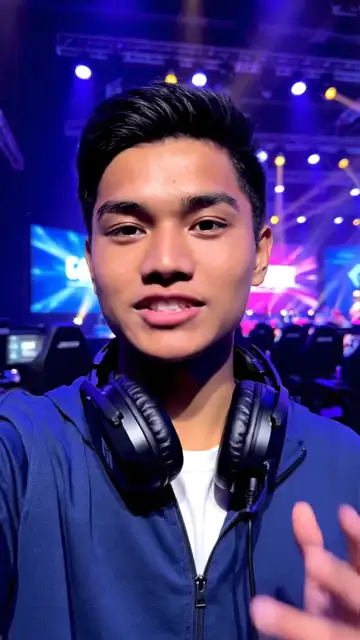
Captions for YouTube Shorts
Captions every viewer sees, without tapping CC.
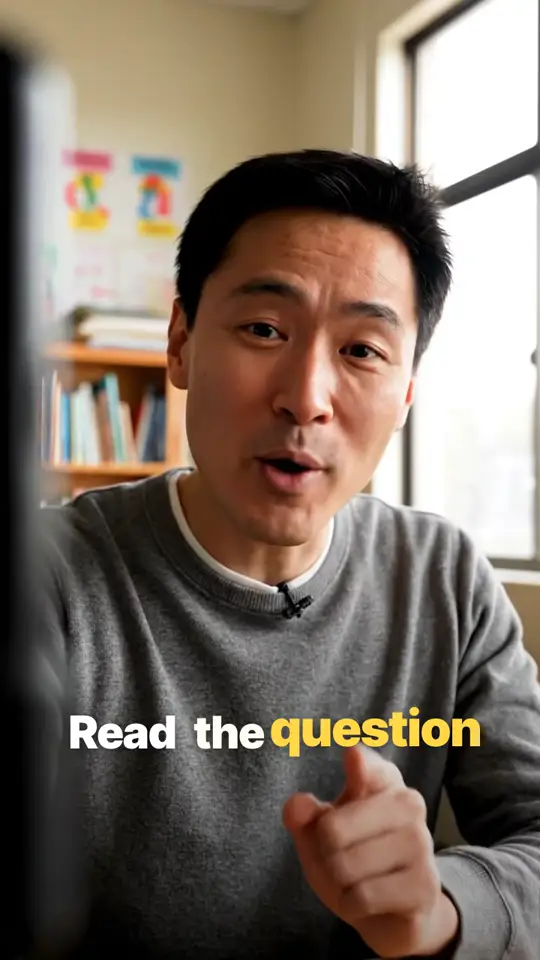
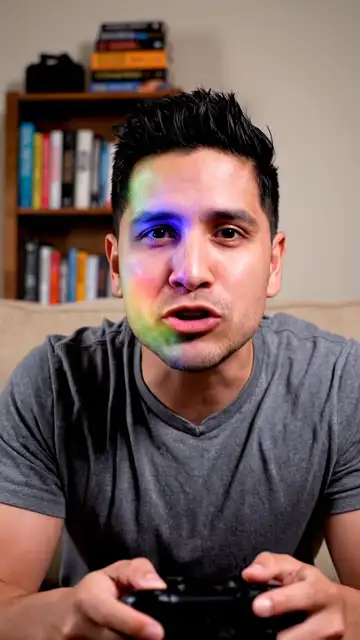
Keep captions where YouTube can't cover them
- TopThe search and menu buttons
- Right edgeLikes, comments, shares and remix
- Bottom fifthThe title, channel and subscribe button
Instadraft starts captions in the clear area. Drag them anywhere.
Styles made for YouTube
Large text, a few words at a time.
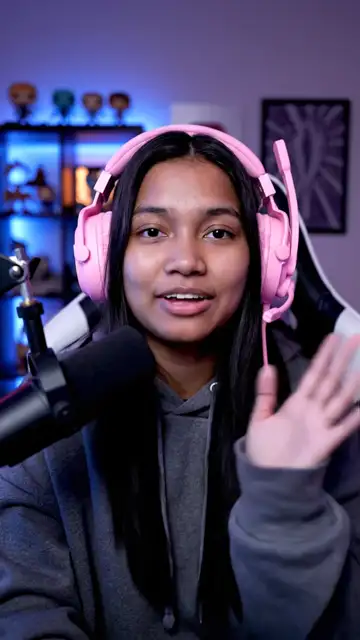
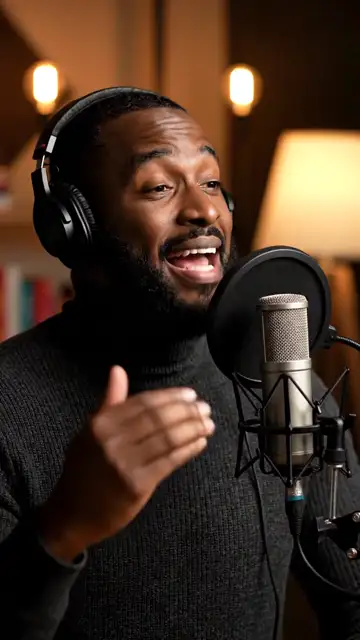
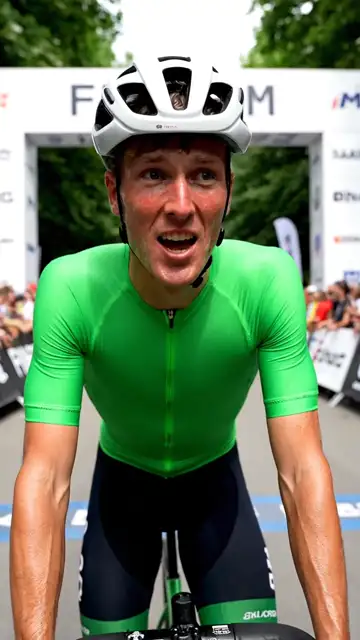
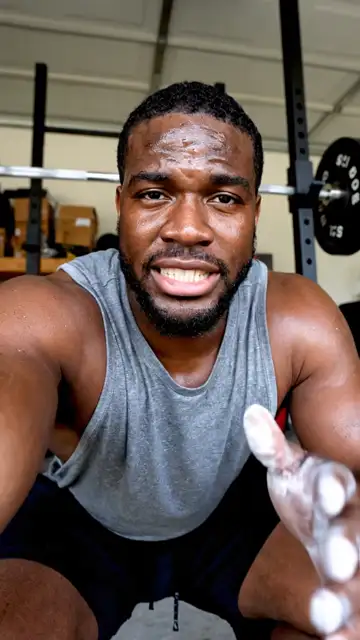
Why not YouTube's own captions?
YouTube's captions
- Plain white text
- Only show when CC is on
- Only show inside YouTube
Instadraft
- Any style, in your colours
- Always on screen
- The same on every app
Three steps
- 1
Upload your video
Captions are written and timed to every word.
- 2
Pick a style
Set the colour and size, and drag the captions into place.
- 3
Download and post
Post it as usual, with YouTube's own captions turned off.
Questions
How do I add captions to YouTube Shorts?
Upload the video to Instadraft, check the captions, pick a style and download the MP4. Upload that as your Short.
Does YouTube add captions to Shorts automatically?
Yes. YouTube can generate captions that viewers switch on with the CC button. They are plain text, and many viewers never turn them on.
Where should captions go on a Short?
Just below the middle and away from the right side. The bottom of a Short is covered by the title, channel name and subscribe button, and the right side by the like, comment and share buttons.
What size should a Short be?
Vertical 9:16, ideally 1080 × 1920 pixels, up to three minutes long. Instadraft keeps your video's size when it adds captions.
Is there a watermark?
No. Instadraft never adds a watermark or logo.